Every call, queue and colleague. Live on the wall.
MyWallboards turns your phone system into live displays your whole team can read from across the room: who's free, how many callers are waiting, how fast you're answering, and who needs a call back.
- 01632 96041814:21SupportAbandoned
- 01632 96077214:09Main → OverflowNot answered
- 01632 96013513:52SupportAbandoned
- 01632 96099013:40SalesAbandoned
Live figures update as calls ring, connect and end, straight from your phone system.
Queues, people, service level, missed calls, charts, clocks, weather and your own media.
To connect your phone system. Nothing to install on phones, PCs or the PBX.
Hosted in the region that suits your organisation and its data residency needs.
The numbers your team needs, readable from across the room.
Build a wallboard from widgets, arrange them into tabs, and show them at your desk or on any screen in the building.
Queues and people, as it happens
Your phone system tells MyWallboards about every call and status change the moment it happens, so the board always matches the floor.
- Who's free. Everyone you track, shown as available, ringing, on a call or away.
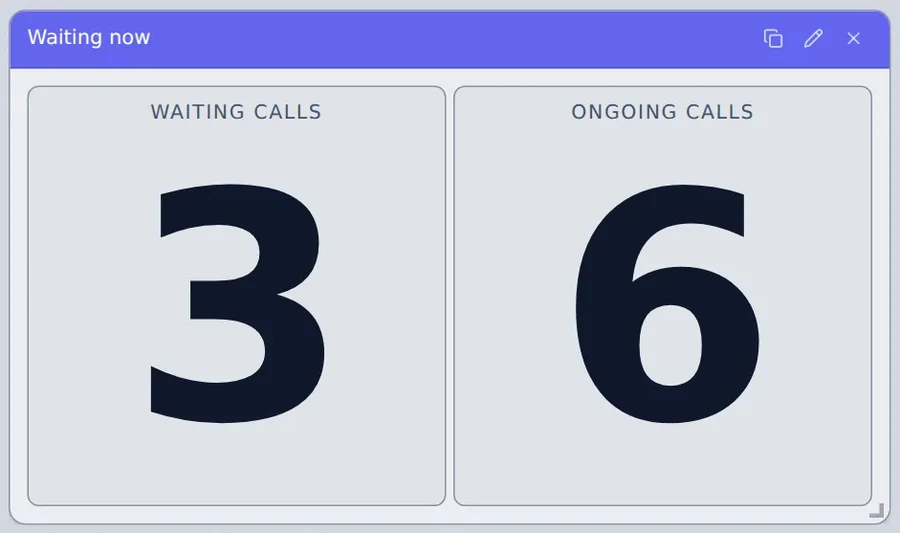
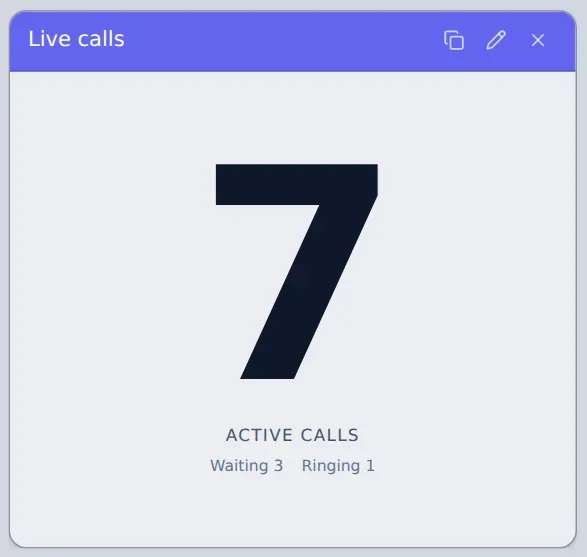
- Who's waiting. Callers queuing and calls in progress for each call group, with the longest wait.
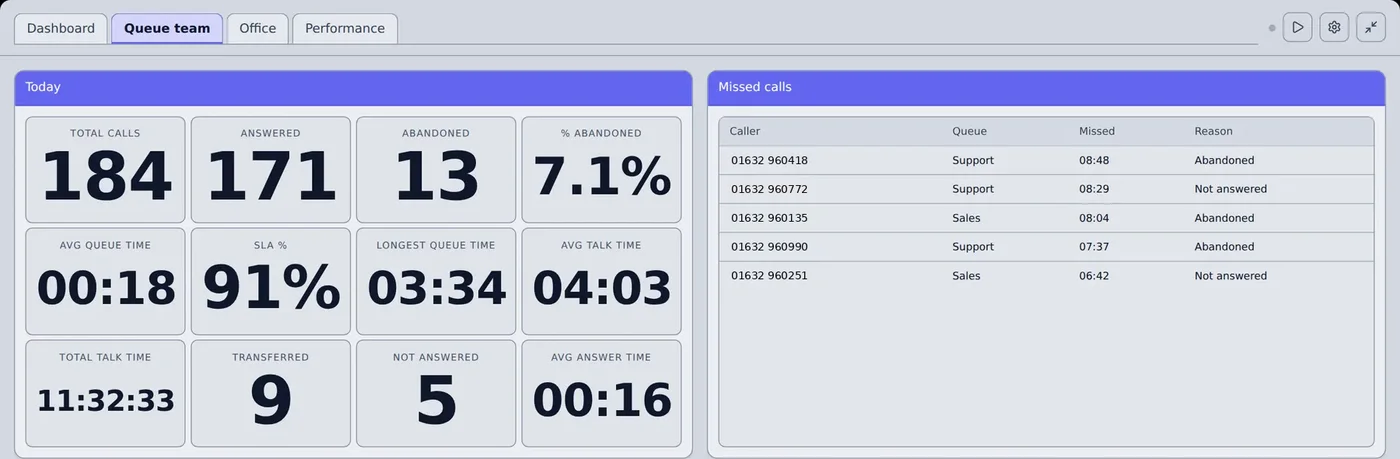
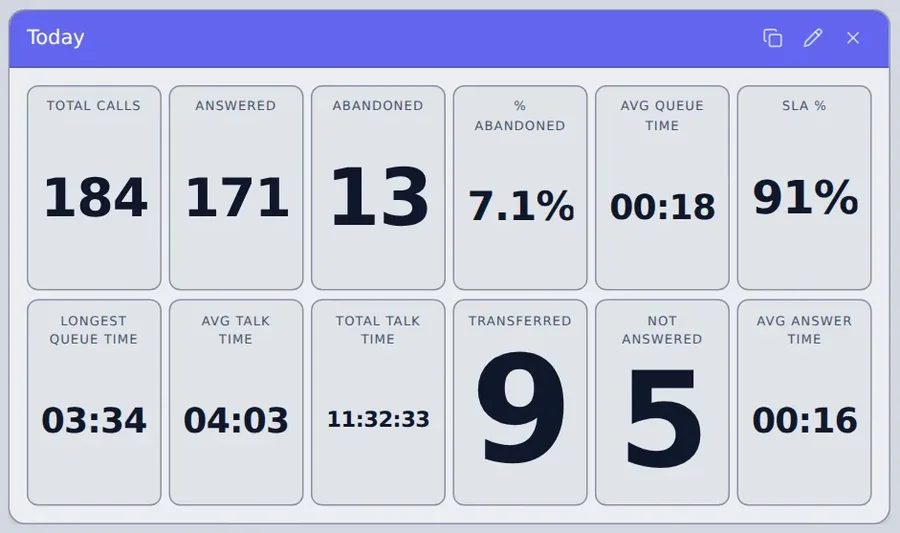
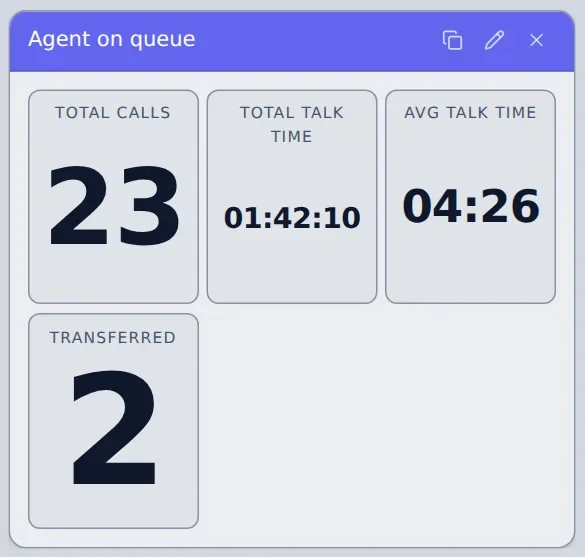
- How today is going. Answered, abandoned, average and longest queue time, talk time and transfers.
Colours that tell you when to act
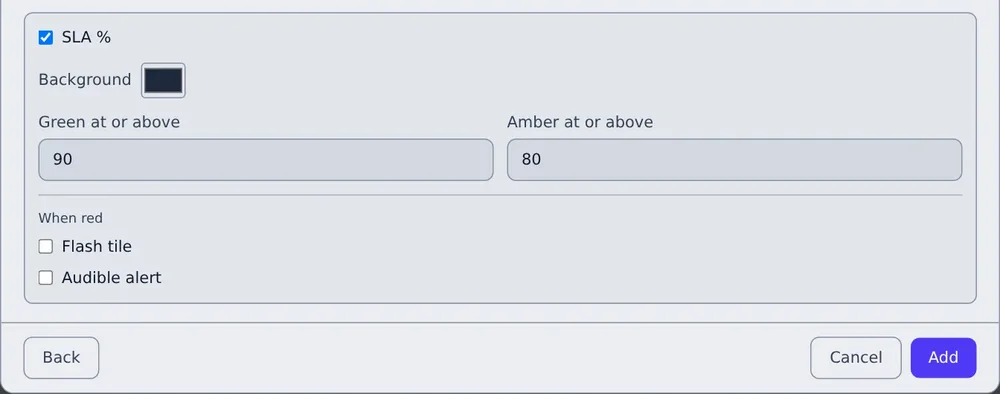
Set two limits on any figure and its card turns green, amber or red as it crosses them. When a card turns red it can flash and play a sound, so nobody has to keep watching.
- SLA % against your target. The share of answered calls picked up within your time, 20 seconds unless you change it.
- Per card, per widget. Different teams can work to different targets on the same screen.
A call-back list that clears itself
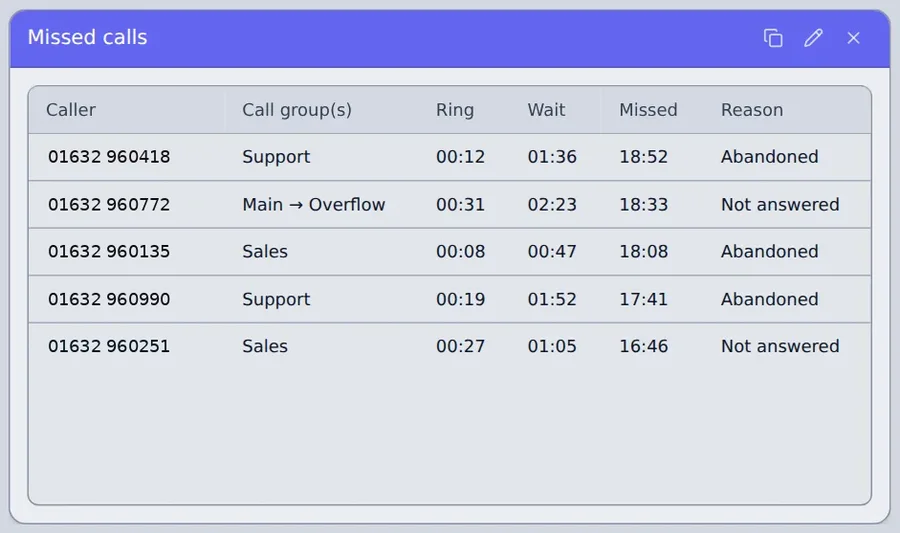
Every caller who wasn't answered, with the queues they went through, how long they rang and waited, and why they were missed. A caller drops off the list once you've spoken to them, whether you called them back or they rang in again and got through.
Say it once, on every screen
Post a short message and it appears as a banner across the top of every wallboard subscribed to that channel. Send it now or schedule it, and choose when it disappears.
- Info, warning or critical, in blue, amber or red.
- Channels decide which boards see it: one team, one office, or everyone.
On the office TV in about a minute
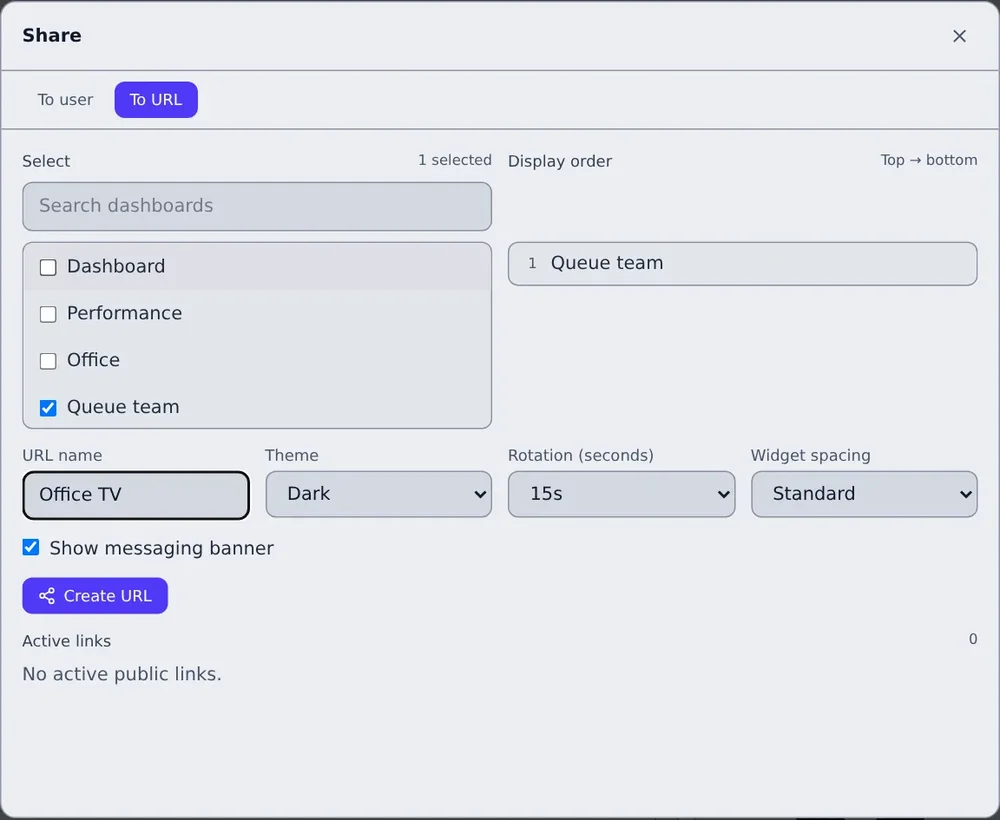
Create a public link, choose the tabs and their order, then open it in a browser on the TV. It rotates through your tabs on its own and never signs out.
- No account on the screen. A public link is view-only, so nobody can change a board from reception.
- Theme, rotation and spacing travel with the link, so every screen shows the same thing.
- Revoke any time. The screen goes blank the moment you do.
17 widgets. Pick the question, drop in the answer.
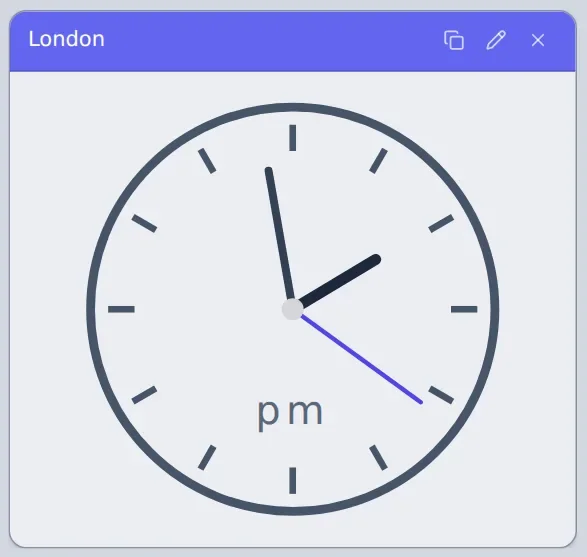
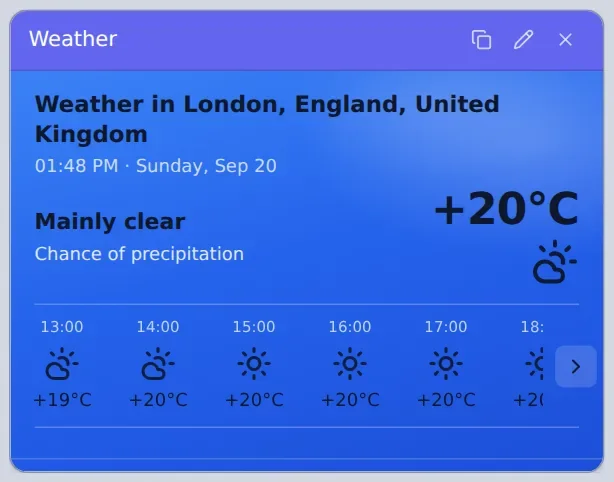
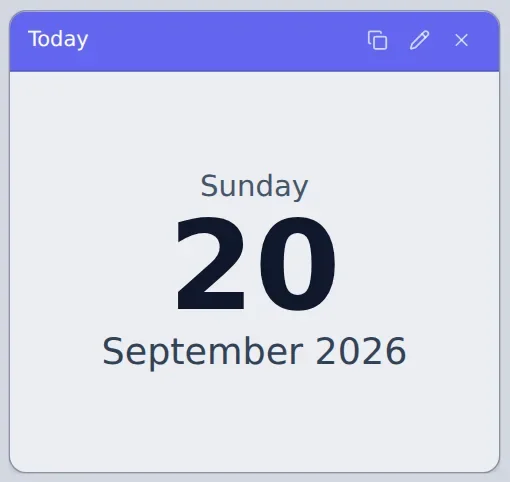
Each widget shows one thing. Place it on the stage, size it, and it scales cleanly from a laptop to a 55-inch screen.
From phone system to office TV in an afternoon.
-
Connect your phone system
Add a few settings in your phone system's admin screens, then follow the Add data source wizard. Calls and statuses start flowing straight away.
Under 30 minutes -
Choose who and what to show
Pick the extensions that are real people and the queues and ring groups you report on. Group people into teams if you like.
A few minutes -
Build it and put it on screen
Drag widgets onto the stage, set your colours and targets, then open a public link on the TV. It rotates through your tabs by itself.
As long as you like
A two-minute tour.
Built for the people who have to sign it off.
MyWallboards runs on hyperscale cloud infrastructure, with each organisation's data kept separate and hosted in the region that suits it.
Invitation only
There's no public sign-up. Your administrator invites each person and chooses their role.
Sign in securely
Email and password, or Microsoft single sign-on, so your organisation's own Microsoft sign-in policies still apply.
Data sovereignty
Each organisation's data is hosted in the region that suits its location and data sovereignty requirements.
Roles and audit logs
Five roles, from SuperAdmin to View Only, and an audit log of sign-ins and changes, so you can always see who did what.
Encrypted throughout
Data is encrypted in transit and at rest, and every organisation's data is kept separate from every other's.
View-only screens
TV links can't change anything and can be revoked instantly, so an unattended screen is never a way in.
Run the day from the wall, not from reports.
Give team leaders and agents the same live picture, so the queue gets picked up before it grows.
- Live and historic figures from the phone system you already have.
- Tabs that rotate on every screen, from the support floor to reception.
- Your logo and colour on every board, in light and dark themes.
- Banners to reach every screen at once.
Add live wallboards to every phone system you sell.
Offer MyWallboards alongside the phone systems you already sell, and look after every customer from one account.
- Set customers up yourself, including connecting their phone system for them.
- Support without passwords. See a customer's wallboards as their administrator does, without sharing sign-in details.
- Each customer in their own brand, with their data kept separate.
- The platform team behind you when something needs escalating.
Good to know.
Already a customer? Log in at my.wallboards.app with the email address you were invited with.
Do we need to install anything?
No. You add a few settings in your phone system's admin screens, and everything else runs in a web browser. Nothing goes on your phones, computers or the phone system itself.
Which phone systems does it work with?
MyWallboards currently supports Wildix and Yeastar, and will soon also support Xelion and Netsapiens. We'll keep adding further systems in line with customer demand.
What do we need to show it on a TV?
A 16:9 screen and a small computer or streaming stick running an up-to-date Chrome, Edge, Firefox or Safari. 1080p is plenty. Open your public link, click Fullscreen once, and it takes care of itself.
How quickly do the figures update?
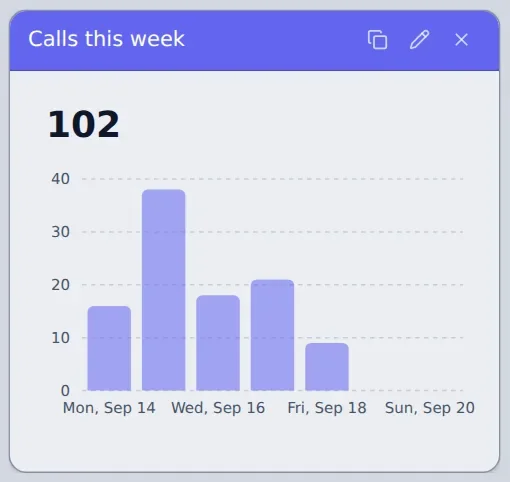
Live figures such as callers waiting and who's on a call update within seconds. Totals for today, this week or this month update as each call finishes.
Where is our data kept?
MyWallboards uses regional hosting, so your data is kept in the region that suits your location and data sovereignty preferences.
Already using MyWallboards?
Log in to see your wallboards, change your layouts and manage your screens. New to MyWallboards? Ask your telecoms provider about adding it to your phone system.